Import transactions from a bank CSV
The importer is built around the fact that no two banks export the same shape of file. You map your file's columns once, and the mapping can be saved and reused next month.
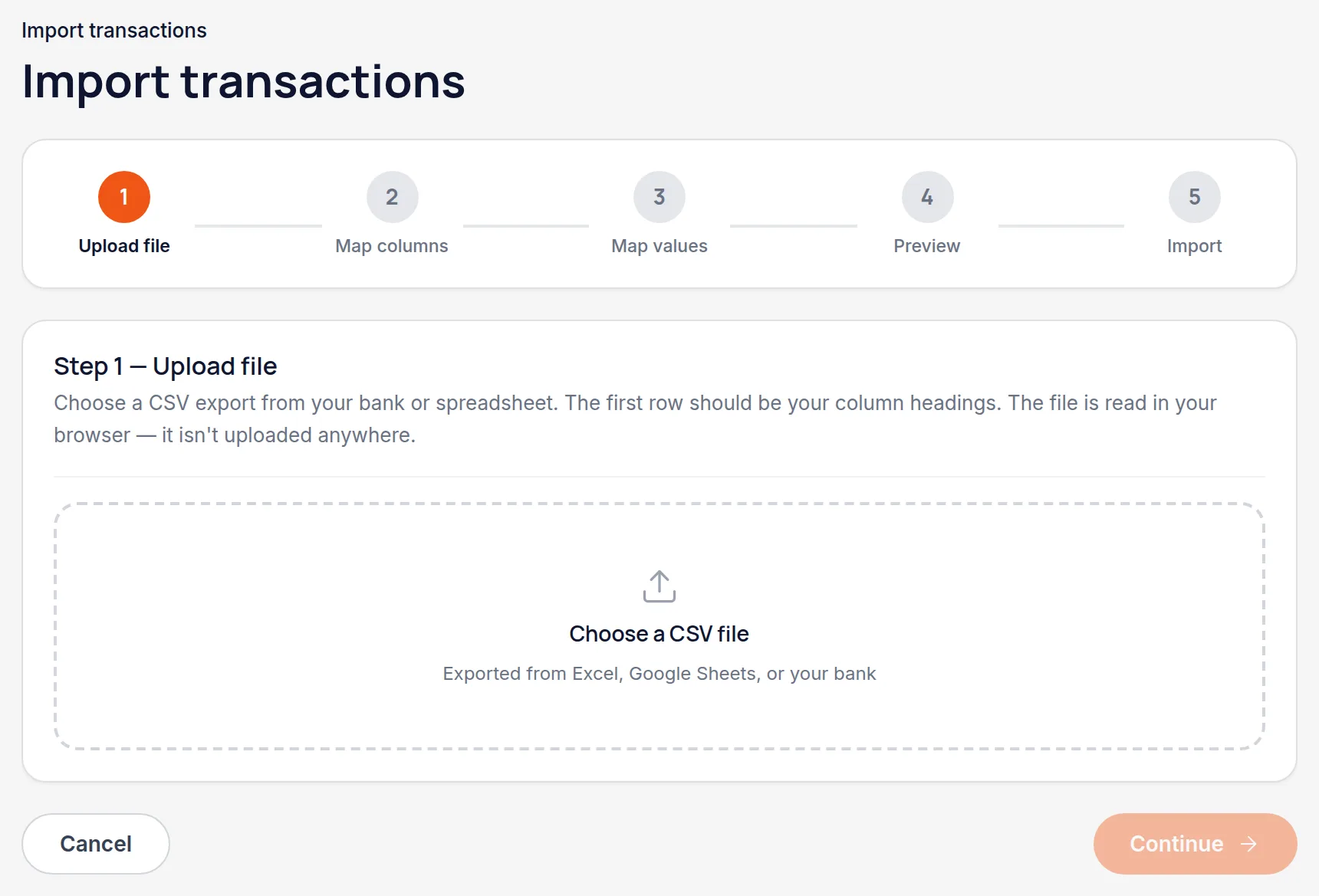
Export a CSV from your bank, and upload it
Transactions → Import. Any CSV works; the first rows are read so the next step can show you what's in each column.
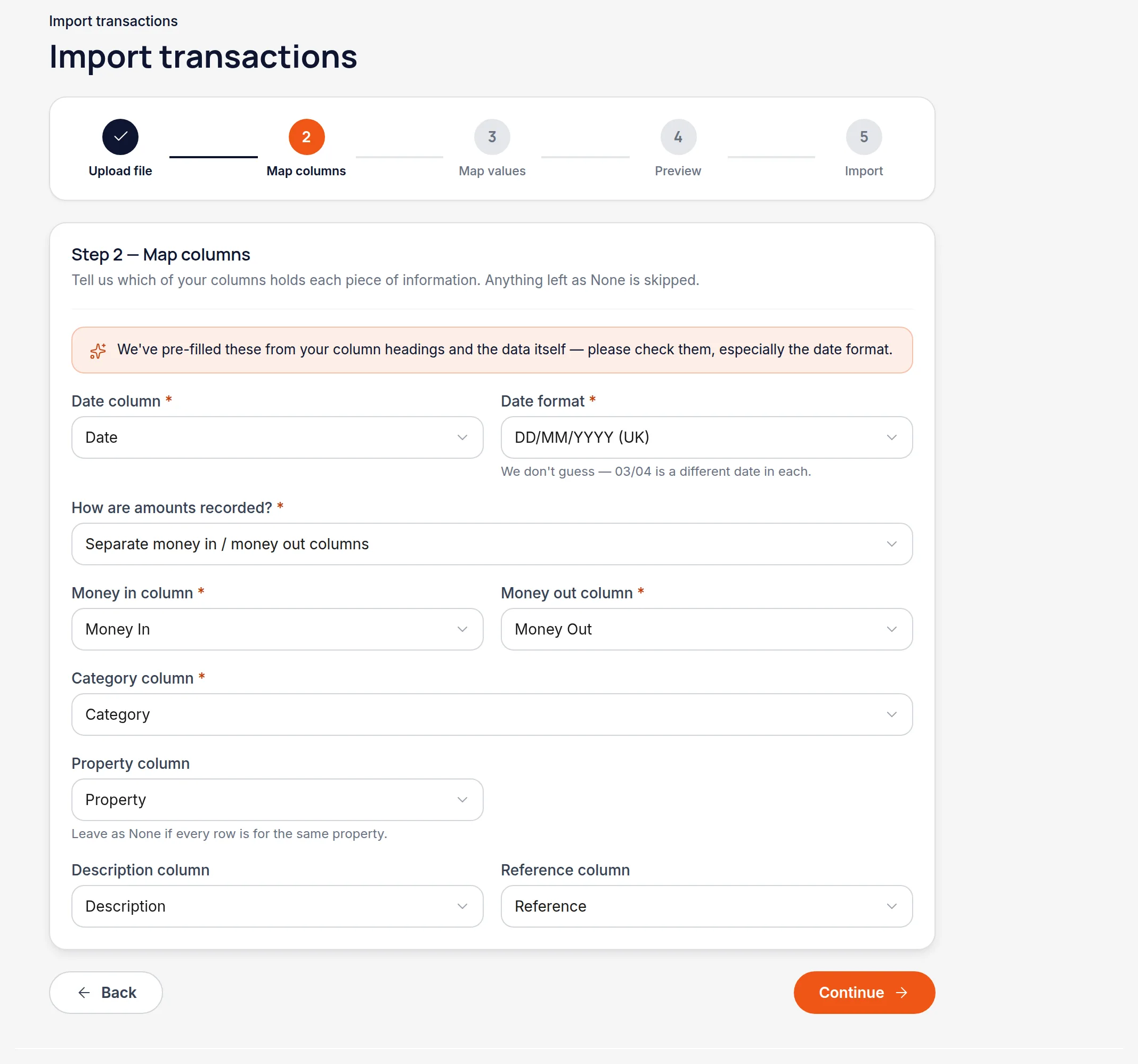
Check the column mapping
Handled pre-fills this from your column headings and the data itself, so usually you're confirming rather than filling it in. Banks handle amounts three different ways — one signed column, separate money in and money out, or an amount plus a type column — and all three are supported.
Worth knowingThe one field to look at every time is the date format. 03/04 is a different date in DD/MM than in MM/DD, and there is no way to tell which a file means from the file alone — so Handled asks instead of guessing.
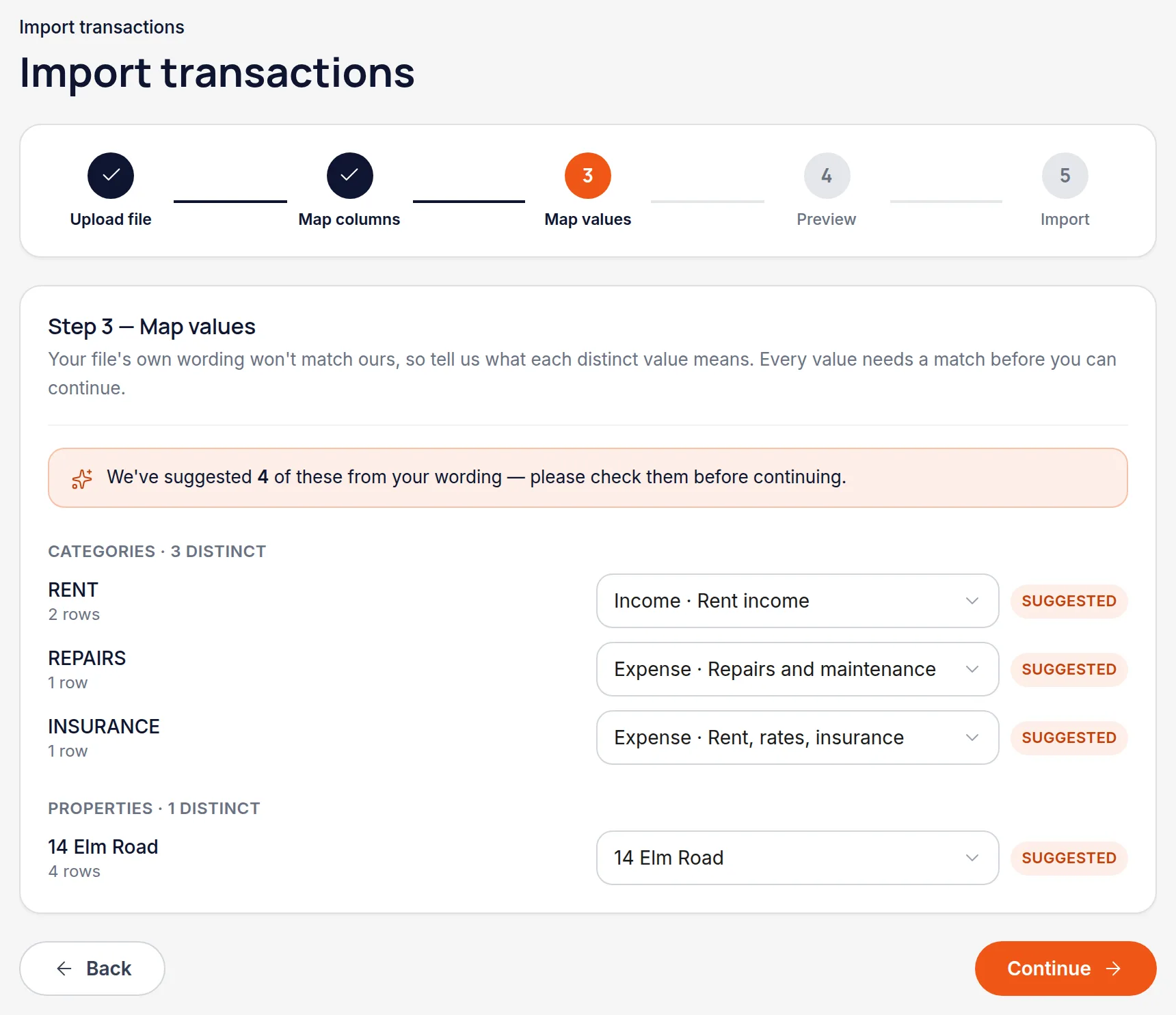
Map the values
Your file will say "RENT" where Handled says "Rent received". This step lists every distinct value it found and asks what each one means, suggesting matches where it can. Do it once and save the mapping.
Read the preview properly
The preview shows exactly what will be created, flags rows it can't resolve, and marks anything that looks like a transaction you already have. Nothing is written until you confirm.
Worth knowingThe duplicate check is worth a moment's attention — re-importing an overlapping statement is the most common way a set of figures goes wrong.
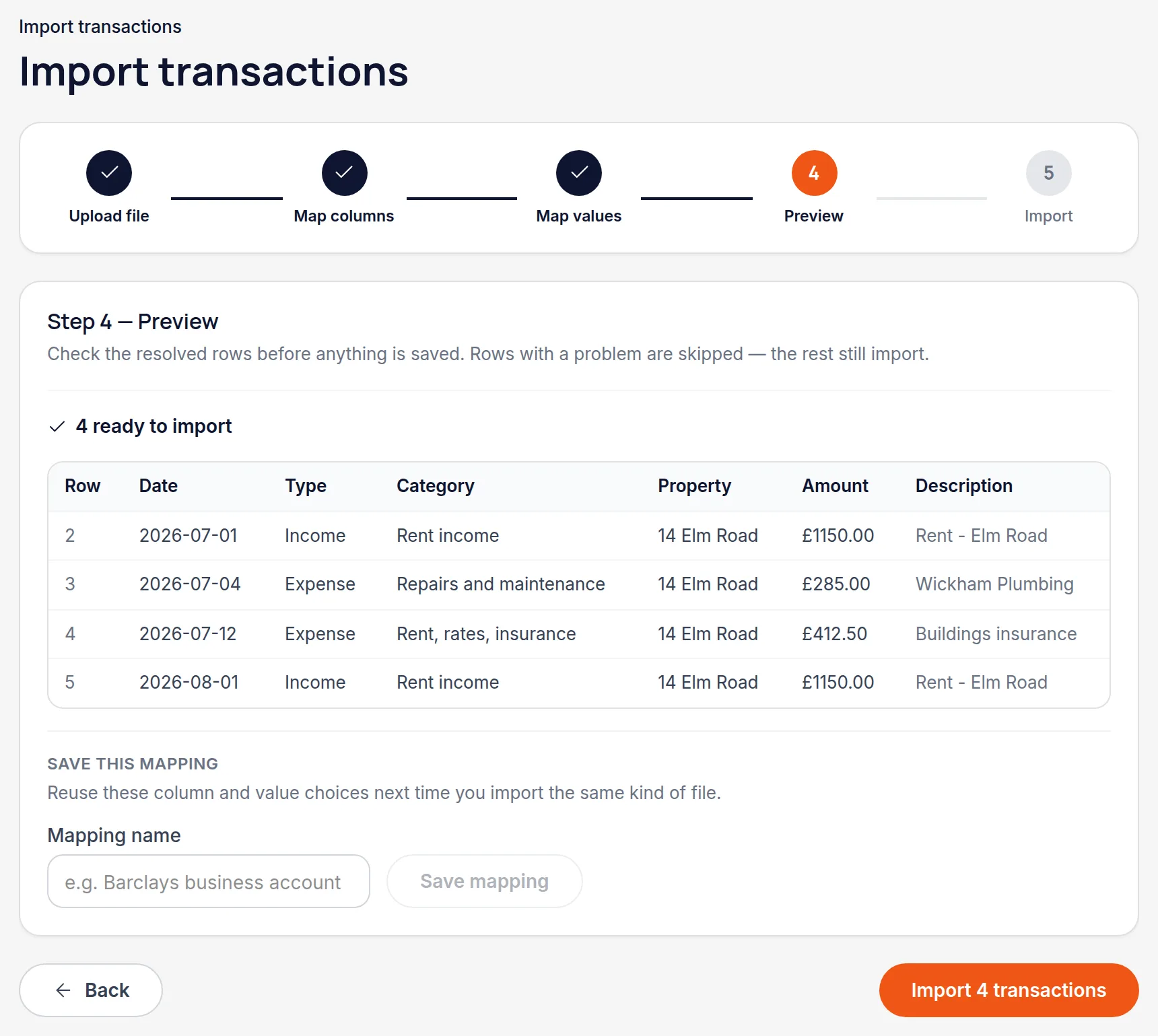
Import
Rows are created as transactions against the properties and categories you mapped. Anything flagged as a problem is skipped rather than guessed at.
All names, addresses and figures in these screenshots are illustrative sample data.
Related
Didn’t answer your question?
Email support@handledproperty.co.uk and tell us what you were trying to do. Or browse the rest of the knowledge base.