Run a report
Reports are built from the same records as everything else, so they don't need preparing. Pick the question you're trying to answer and the report follows from that.
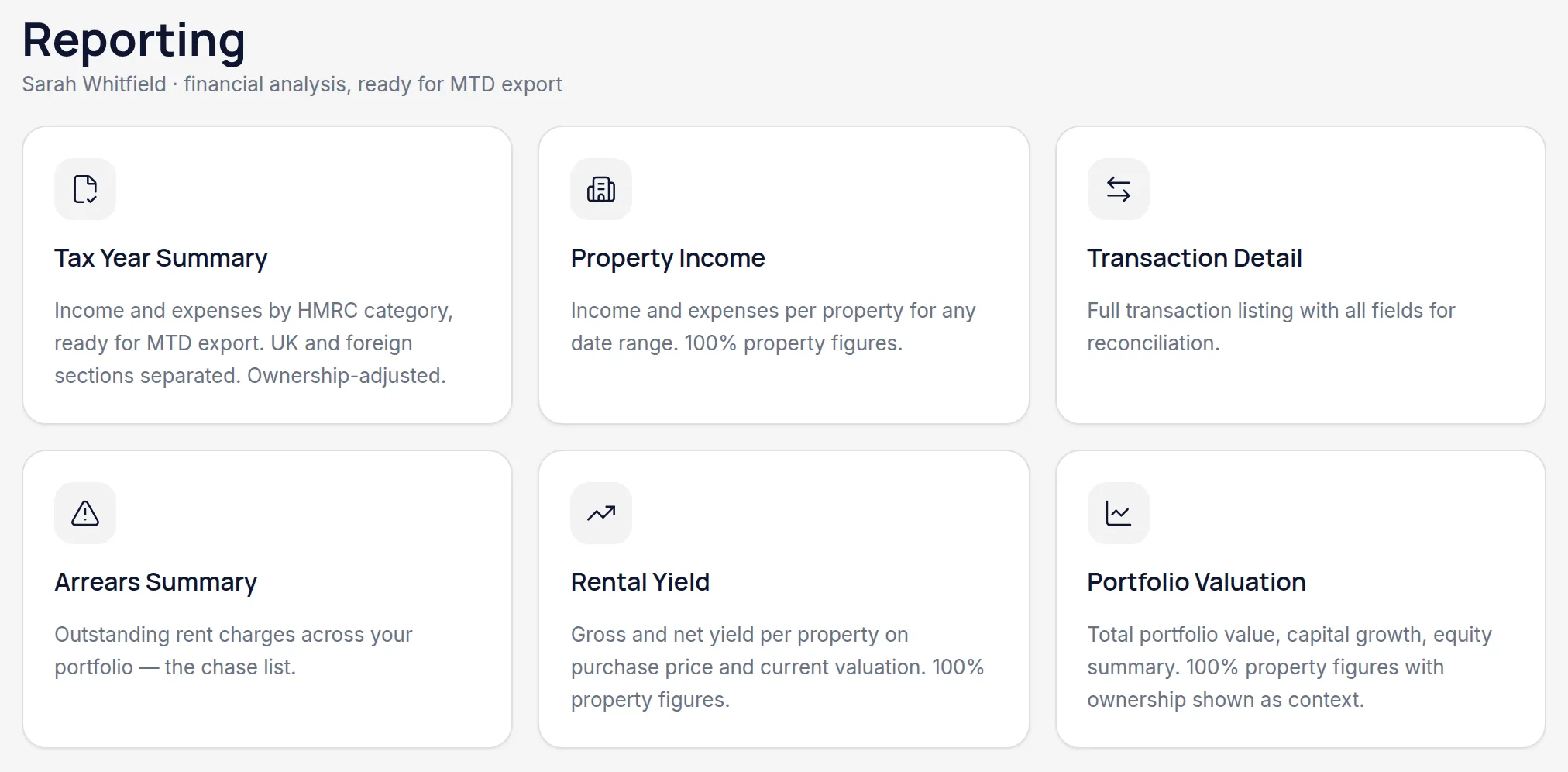
Open Reporting and pick a report
Tax Year Summary for the year's position, Property Income for how each property performed, Transaction Detail for the underlying rows, Arrears Summary for who owes what, Rental Yield for return on value, and Portfolio Valuation for what it's all worth.
Set the period and filters
Most reports take a tax year or a date range, and can be narrowed to particular properties.
On Property Income, check which view you're reading
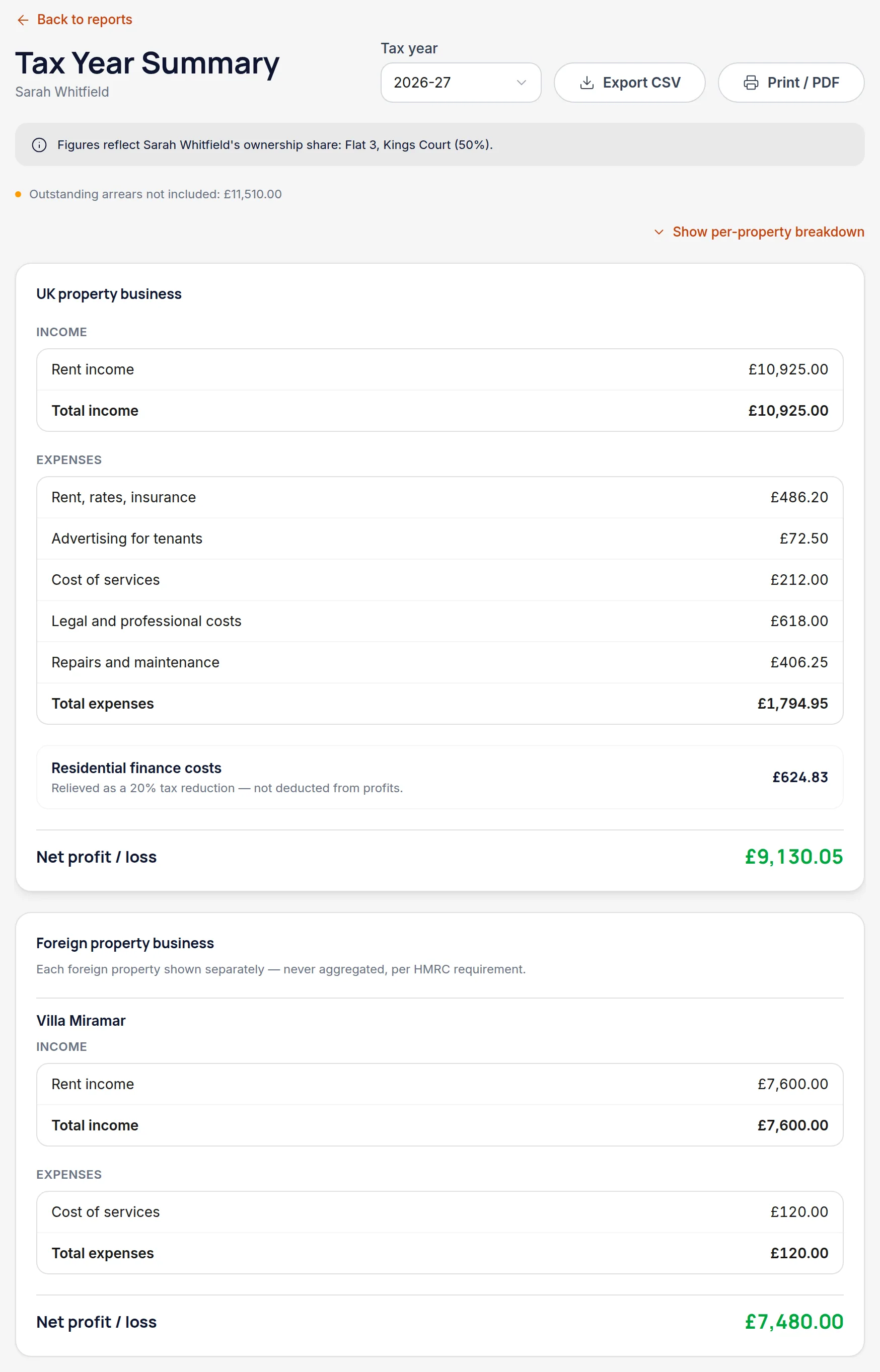
Property Income has two toggles worth knowing. Summary gives one row per property with UK and overseas subtotals; Detailed breaks each property down by category. And if any of your properties is jointly owned, a second toggle shows the full 100% figures, your share of them, or both side by side.
Worth knowingThe share toggle only appears when you actually co-own something — if you own everything outright there's nothing to compare, so Handled doesn't show two identical columns.
Print or save it as a PDF
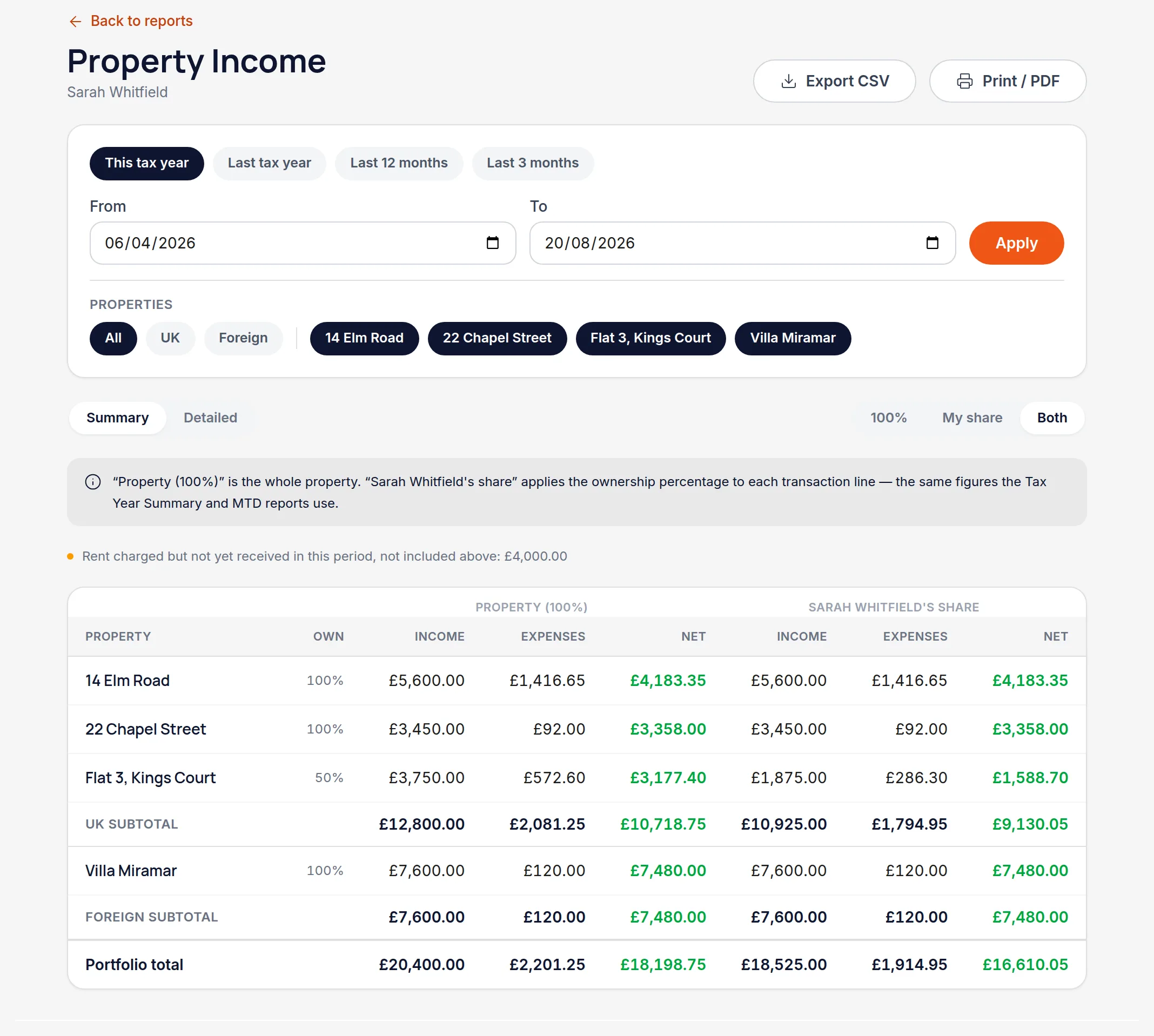
Every report prints cleanly — the navigation and filter controls drop away and only the report itself goes on the page. Your browser's print dialog will save it as a PDF.
Worth knowingThis is the quickest way to send an accountant something readable, if they aren't already working in Handled alongside you.
All names, addresses and figures in these screenshots are illustrative sample data.
Related
See cumulative income and expenses per property business, and what each deadline needs.
Match a payment to the rent charge it settles, so the balance stays honest.
Get the quarter's numbers out for your MTD software, then note the submission against the quarter.
Didn’t answer your question?
Email support@handledproperty.co.uk and tell us what you were trying to do. Or browse the rest of the knowledge base.