Record an expense
Every expense needs three things to be useful at tax time: a date, a property, and an HMRC category. The form asks for those and treats the rest as optional.
Choose Add transaction, and set the type to Expense
From Transactions, or from a property's own page if you're already looking at it — starting from the property saves a step.
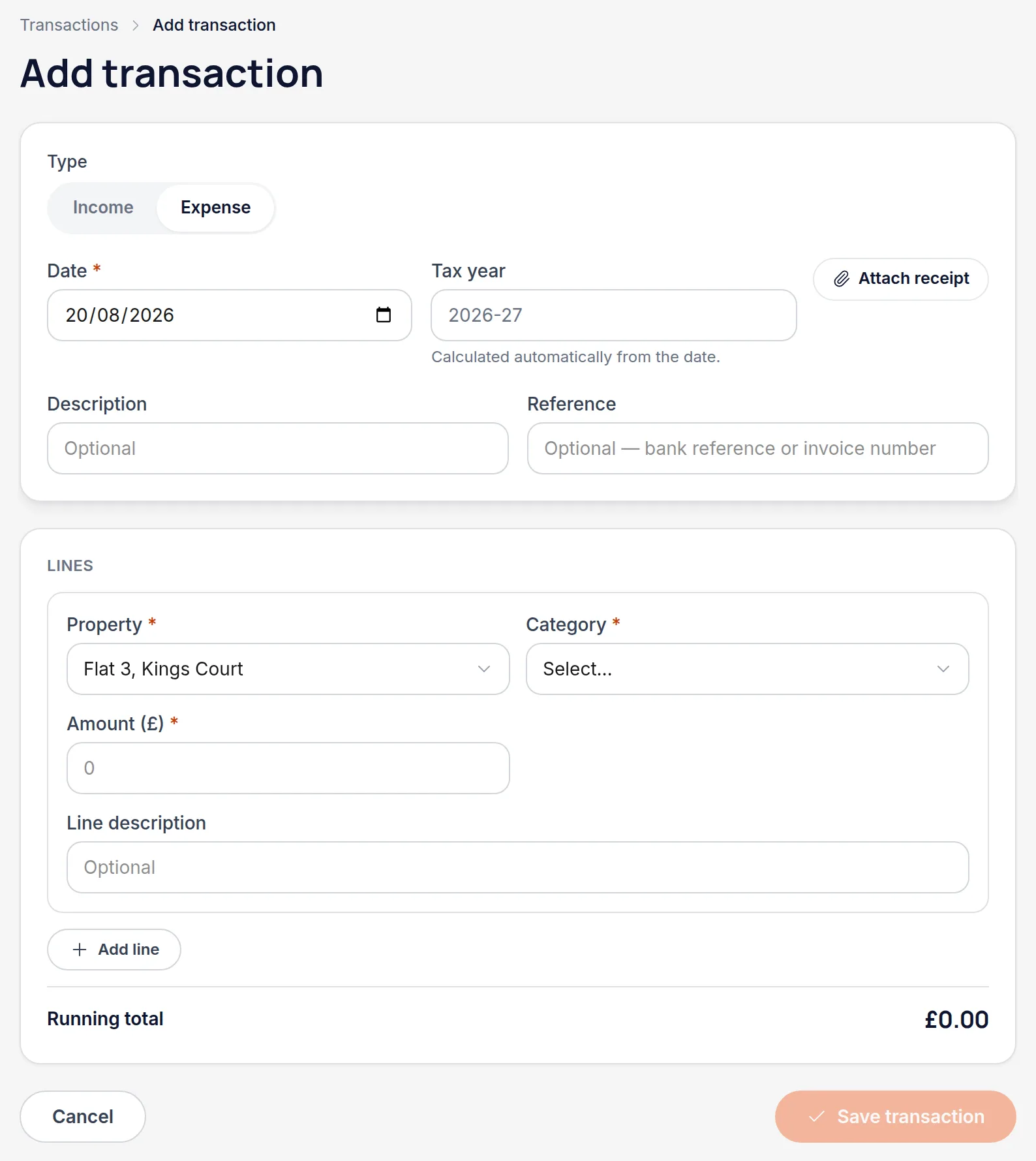
Set the date, and let the tax year work itself out
The tax year field is filled in from the date and can't be edited. That's deliberate — it's the date that decides which year a cost falls in, and a hand-typed tax year is a hand-typed mistake.
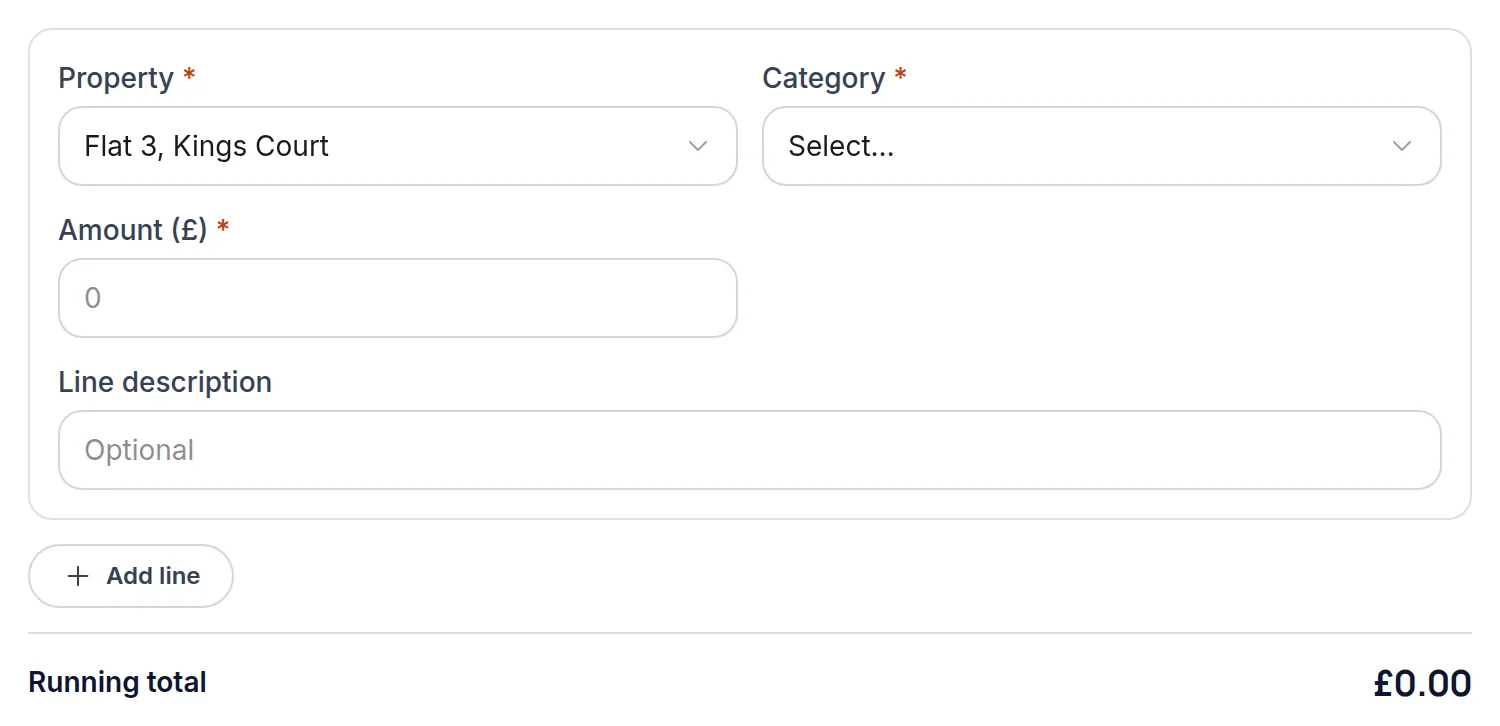
Pick the property and the category
Categories are HMRC's, not free text: repairs and maintenance, insurance, agent fees, mortgage interest and so on. Choosing here is what makes the quarterly figures add up without a spreadsheet at the end.
Add a description and reference if it helps
Both are optional. The reference field is the one worth using — an invoice number here is what turns a row in a report back into a piece of paper you can find.
All names, addresses and figures in these screenshots are illustrative sample data.
Related
One invoice covering three properties, recorded as one transaction with three lines.
Keep the paperwork with the record it belongs to.
Bring a statement in once, map the columns, and check what it found before anything is saved.
Didn’t answer your question?
Email support@handledproperty.co.uk and tell us what you were trying to do. Or browse the rest of the knowledge base.