Attach a receipt or document
Transactions, compliance certificates and tenancy agreements can all carry a file. It's the difference between a record you can defend and a number you can only assert.
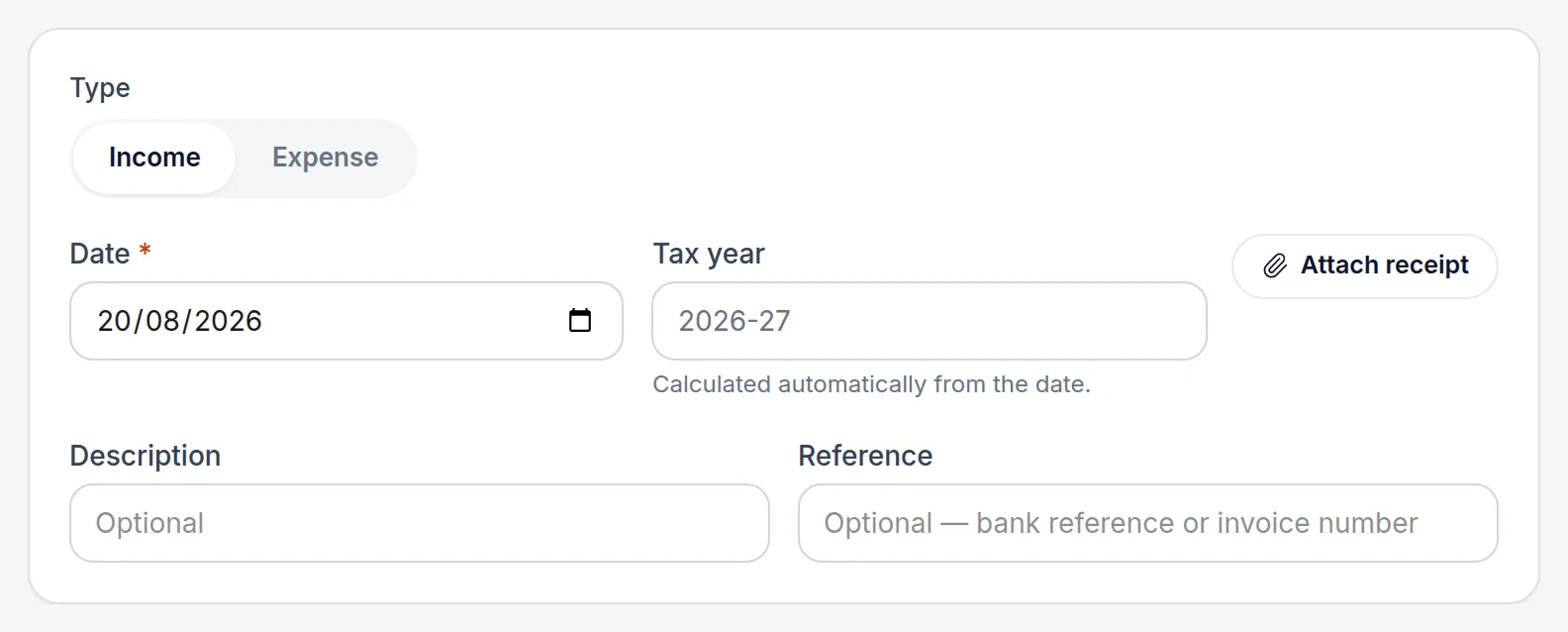
Find the Attachment control on the record
It sits on the transaction form, on each compliance certificate, and on the tenancy. Choose the file and it uploads straight away — there's no separate save step for the file itself.
Check it's attached
The file appears as a chip on the record with its name. Select it to view, or remove it if you've attached the wrong thing.
Photograph receipts on the phone
The upload control accepts a photo from the camera on a phone, which is usually easier than getting a paper receipt onto a laptop later.
Worth knowingFiles live in UK-hosted storage and are only reachable by people with access to that record — a co-owner or the accountant you've granted access to, and nobody else.
All names, addresses and figures in these screenshots are illustrative sample data.
Related
Put a cost against the right property and the right HMRC category.
Record gas, electrical and energy certificates so you're warned before they expire, not after.
One invoice covering three properties, recorded as one transaction with three lines.
Didn’t answer your question?
Email support@handledproperty.co.uk and tell us what you were trying to do. Or browse the rest of the knowledge base.