Request access to a landlord's records
Some landlords already have their own Handled account. Rather than duplicating their records, your firm asks for access and they approve it.
Send the request
From the client hub, request access using the landlord's email address and your own client reference for them.
The landlord approves it
They see the request in their own account and approve or decline it. Nothing is visible to your firm until they've approved — a request is not access.
Work in their records from your hub
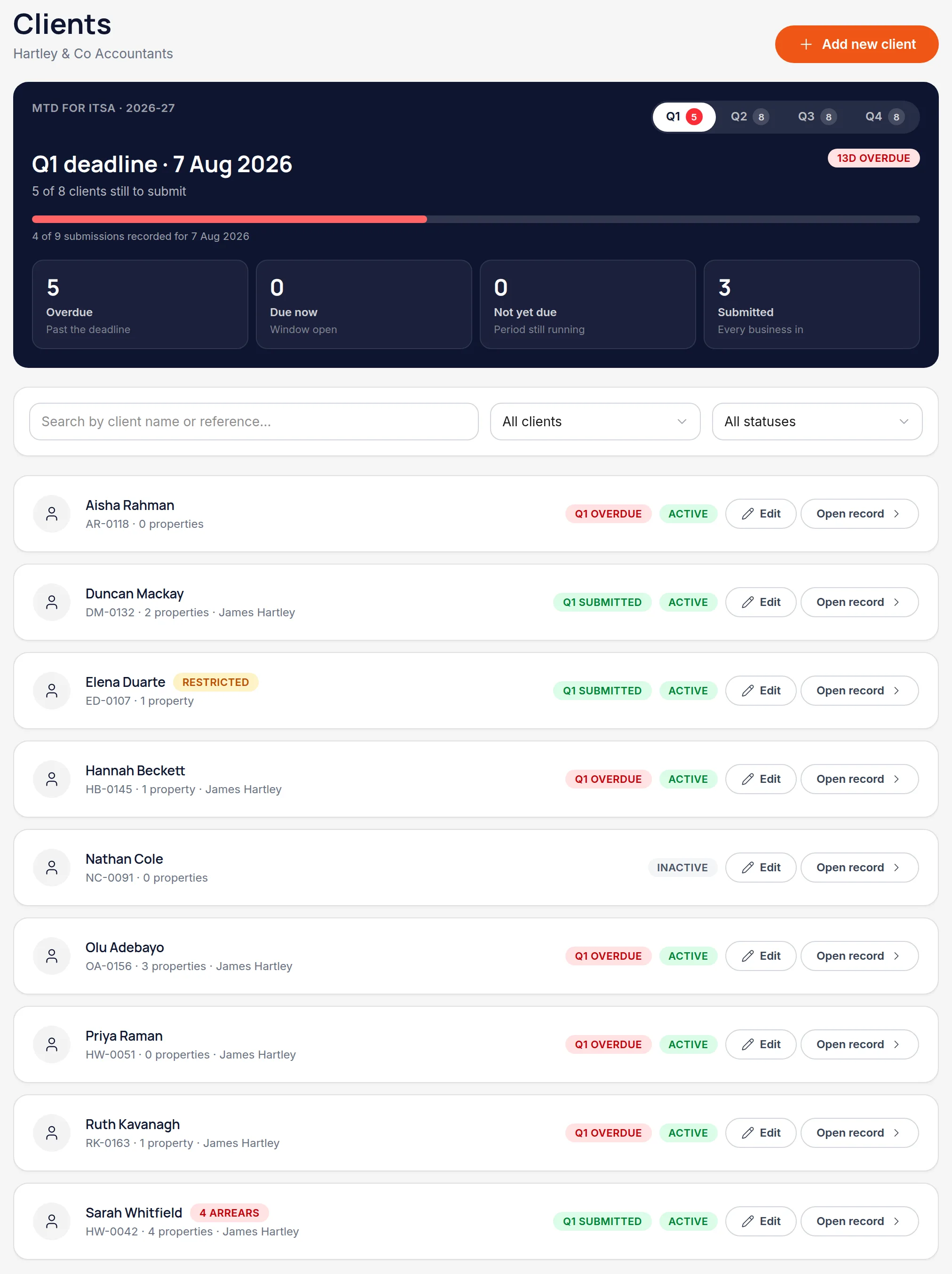
Once approved they appear in your client list like any other client, and your staff permissions apply to them in the same way.
Know who's paying
If the landlord pays for their own account, your firm's access doesn't consume one of your client places. If your firm pays, they're billed as one of your clients.
Worth knowingIf a landlord who pays for themselves lets their subscription lapse, their records become read-only for both of you until it's sorted out.
All names, addresses and figures in these screenshots are illustrative sample data.
Related
Create the client, give them a reference, and decide whether they get their own login.
Control what each member of staff can do, and which clients they can see at all.
See cumulative income and expenses per property business, and what each deadline needs.
Didn’t answer your question?
Email support@handledproperty.co.uk and tell us what you were trying to do. Or browse the rest of the knowledge base.